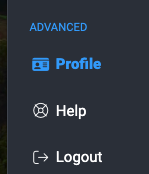
Click on Profile in the lower part of the left navigation pane, then click on Your Organization, then Networks.
On the Networks tab, enter the Network Access Code in the field above the list of networks. Next, click the Join Network button.
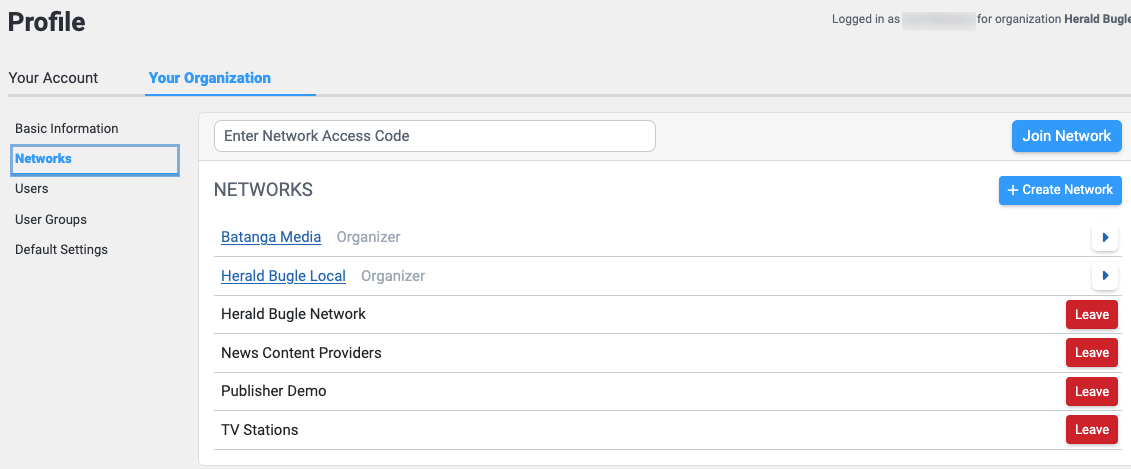
Should you ever need to leave a network, use the red Leave button to the right of that network's name.