To edit a MultiTimeview report, select the Settings tab to change any report component. Click Update when you're finished.
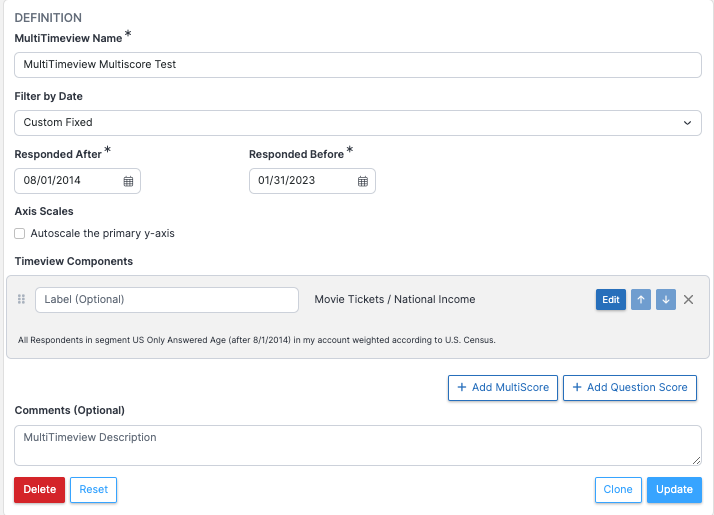
Timeview Components
The six dots to the left of each Timeview Component's label can be used to reposition the component. The up and down arrows to the right of the Edit may also be used for repositioning them.

Edit Component
Use the Edit button to filter a component or apply a weighting scheme. You can also choose put this particular score on its own Separate Axis, which is useful when including a Total Response Count with a score. If Separate Axis is selected, you can also Autoscale the separate axis to eliminate excess blank space on your graph.
