Dashlets can be moved to any position on your dashboard.
To move a dashlet, hover over the move cursor symbol (it's next to the kebab menu in the upper right corner of each dashlet) until your cursor changes to a hand symbol.
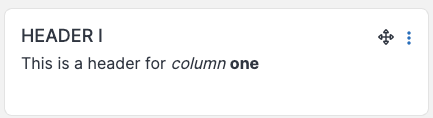
Here's a gif showing the dashlet's movement.